

Practise like the top 10
The Practice mode plus DART is a full training suite. Here is the loop the fastest players use.

1. Isolate the section
Bind Save state and Load state (Settings › Hotkeys). Save right before the part you keep failing, load until it is consistent, then move the save forward. DART gives you up to 10 slots: one per tricky section of a map.
2. Slow it down
Slow-mo (7 steps or a 0–200% slider) shows you exactly which frame you release the hook. Learn the input at 50%, then walk it back up to full speed.
3. Race a ghost
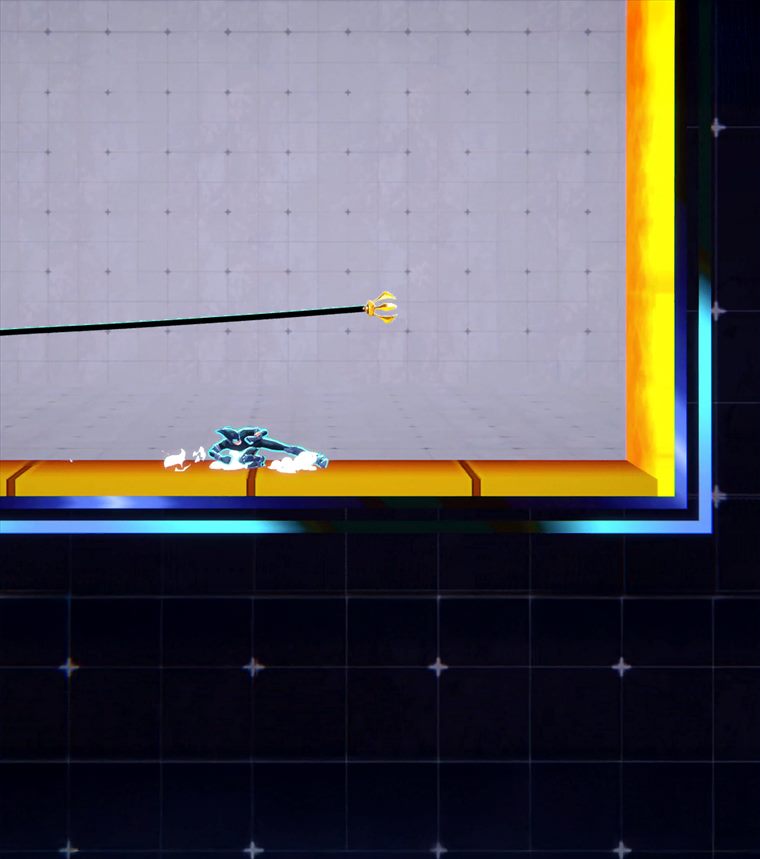
Every clean lap you finish is stored under Records with its ghost. Set ghost on your best and it races you from your next lap start; Watch replay steps through it frame by frame with the real boost bar. On the global board you can do the same with anyone's shared lap, including the world record.
4. Climb the boards
Once you are linked, your best lap per map is shared automatically. Each map pays up to 2,500 points: the record holder gets all of it, everyone else less the further their time is from the record (scaled by how tight that map's field is) plus a share for their rank. Sixteen maps, 40,000 points max. Your profile tracks points, world records, completions, shared ghosts and attempts.
4b. Reset runs: the standing start
Laps on the normal boards have a rolling start: you cross the line at full speed. The RESET category starts everybody from the same place, standing still. Every map has a built-in, orange [RESET] savestate, first in its list (it cannot be overwritten or deleted): the map's spawn with zero speed. Load it with Load state (or the Reset run bind) and the timer starts at that instant; run to the finish line and the whole run lands on the map's Reset board with its own records, points, ghosts, replays and medals, while the lap itself still counts on the normal board. Records and the global boards have a LAPS | RESET switch.
5. Inputs, replays & overlays
The Advanced Input Viewer shows your keys and hold times, including during replay playback. Pair it with the speedometer and records panel to see where time is lost. Toggle panels from Overlays and position them with Edit layout; the latest DART also offers replay stepping, seeking and saved-state extraction.